01 / ILLUSTRATE & COMPOSE
Build visual stories, layer by layer.
Bring artwork, photography, and color together on one canvas. Keep each element separate so the idea stays easy to refine.


Free. Open-source. Made for Mac.
A real Mac image editor for layers, masks, color, and retouching — free to download, with no subscription and no account wall.
How EZCompos compares
Photoshop and EZCompos solve different problems. Here's where each one stands.
Pick Photoshop for its AI tools and ecosystem. Pick EZCompos when you want solid compositing basics, for free, with the code open for anyone to read.
Download EZCompos for MacMake more with every layer
Illustrate, shape product images, build campaign artwork, or clean up a photo. Start with the image you have and make it yours — on your own canvas, at your own pace.
Bring artwork, photography, and color together on one canvas. Keep each element separate so the idea stays easy to refine.
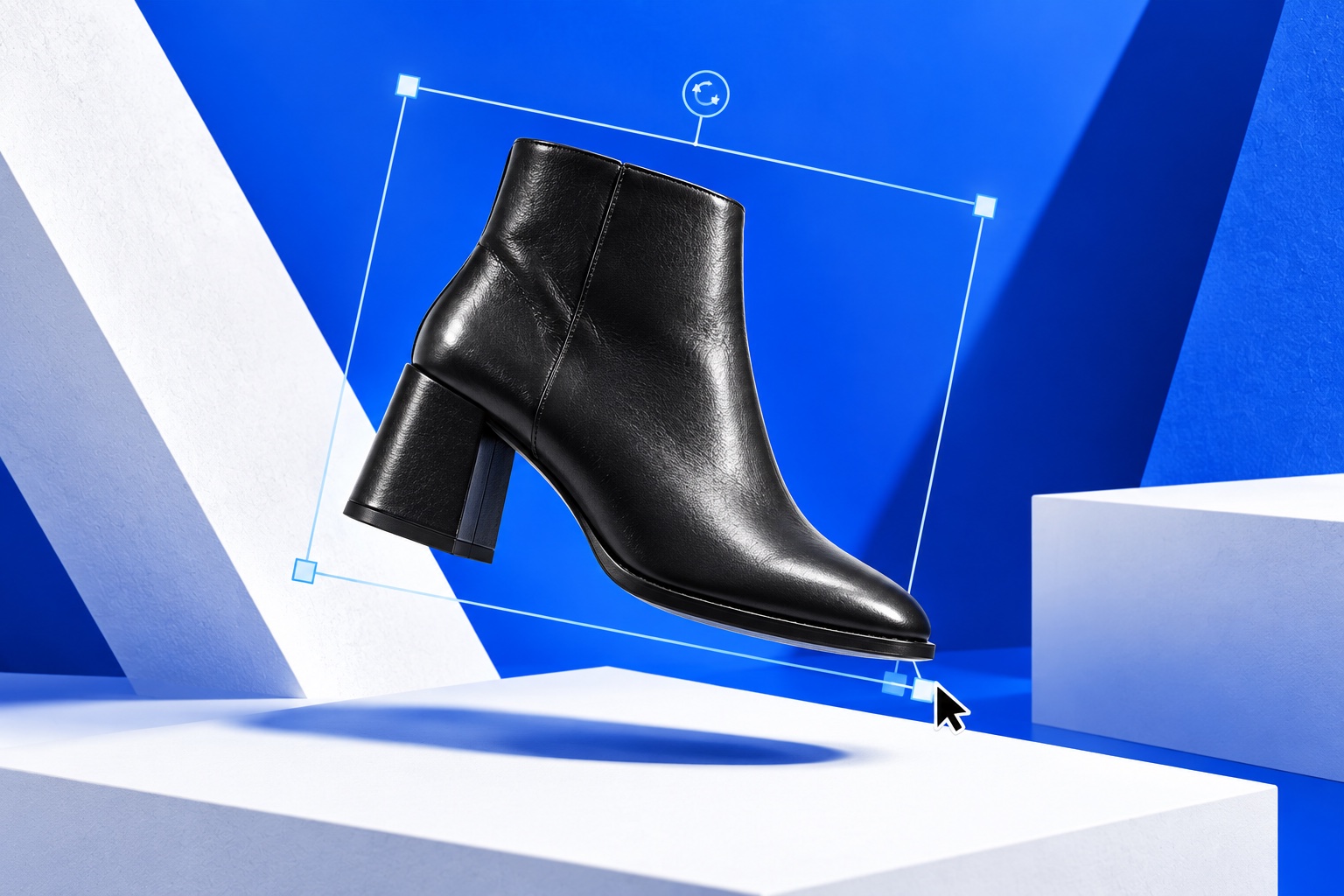
Resize, rotate, and position a product on a clean graphic backdrop. Transform handles give you precise scale and placement.
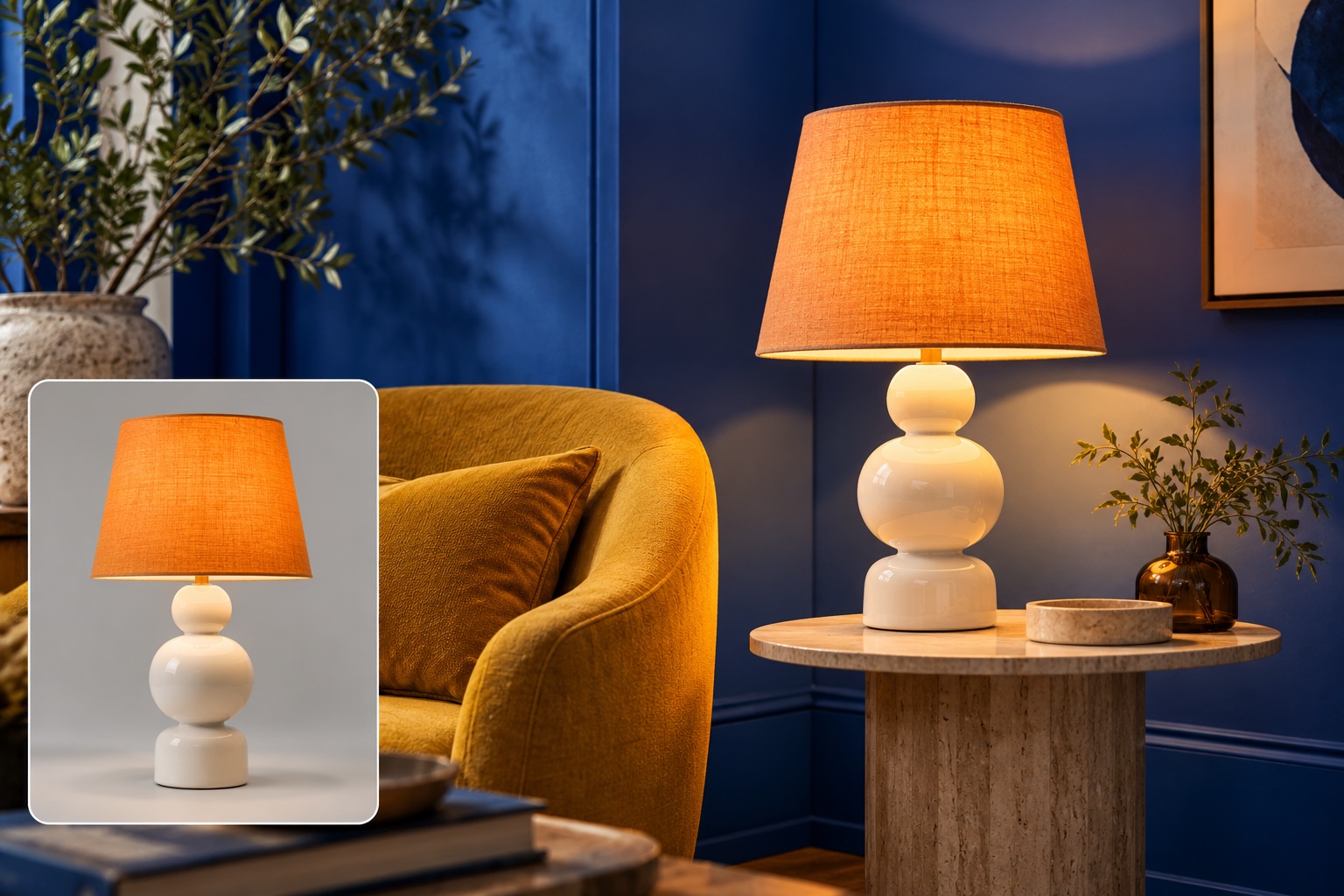
Combine people and objects into bold posters, social graphics, and launch imagery. Arrange the pieces, then finish with type and color.

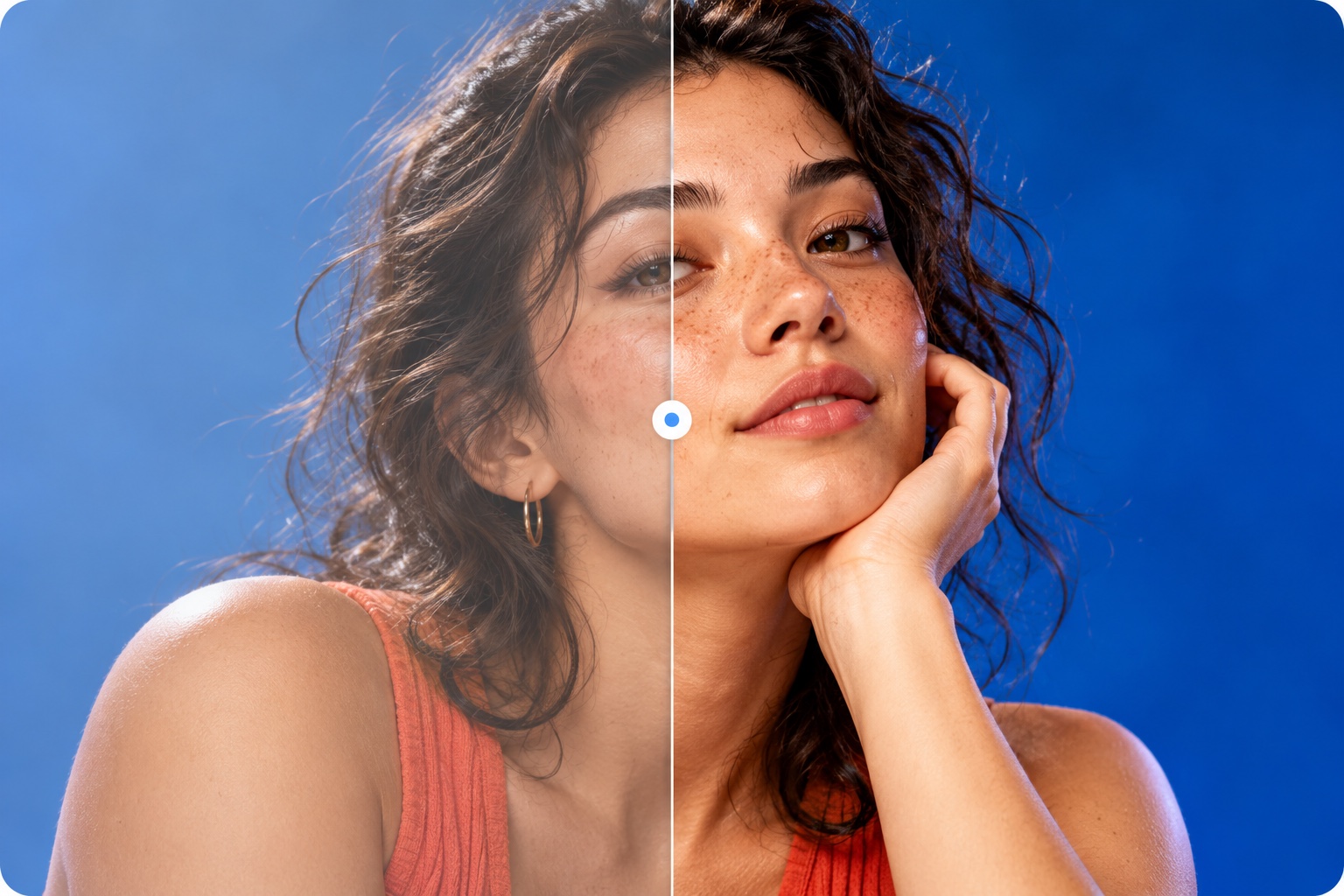
Lift out distracting details with retouching tools, then keep the focus on the image you want people to see.

Explore EZCompos features
A practical toolkit for composites and photo edits — without making the canvas feel like a cockpit.
Arrange images, graphics, and type independently. Keep control over opacity, order, and blend modes as the composition develops.

Isolate a subject, refine its edge, and hide or reveal parts of a layer while preserving the original pixels.
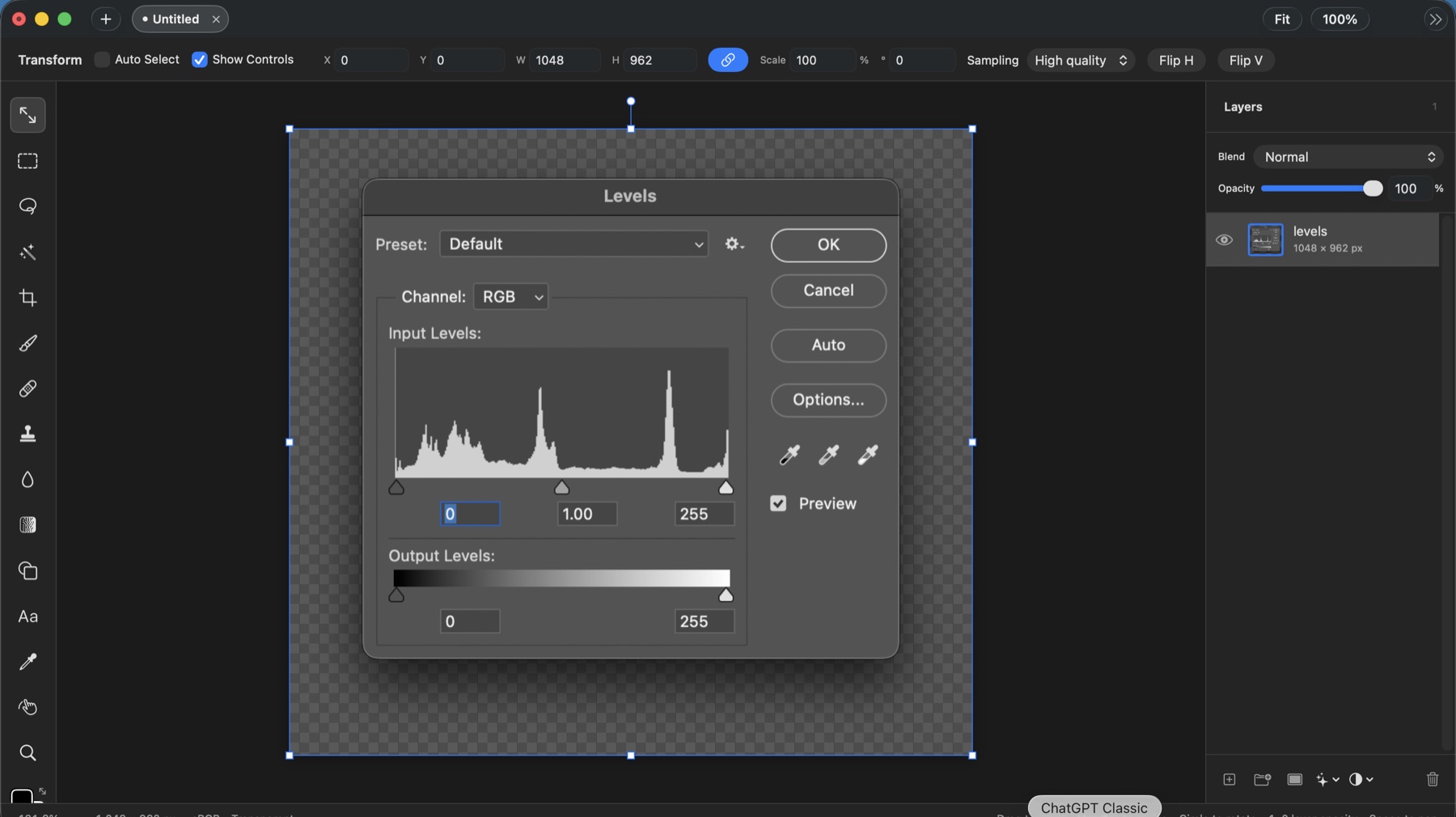
Make focused tonal and color changes with adjustment tools, then fine-tune the result for the image in front of you.

Move, scale, rotate, and crop image layers to get the framing and alignment your layout needs.

Use spot healing and clone tools for blemishes and small distractions, with brush controls close at hand.

Build on a canvas that suits the project, with guides, snapping, and a tabbed workspace for your open work.
A growing creative toolkit
The idea: keep the core editor free, and make room for optional add-ons creators can choose when they need them. None of this exists in the app today.
Planned for a future release · not available yet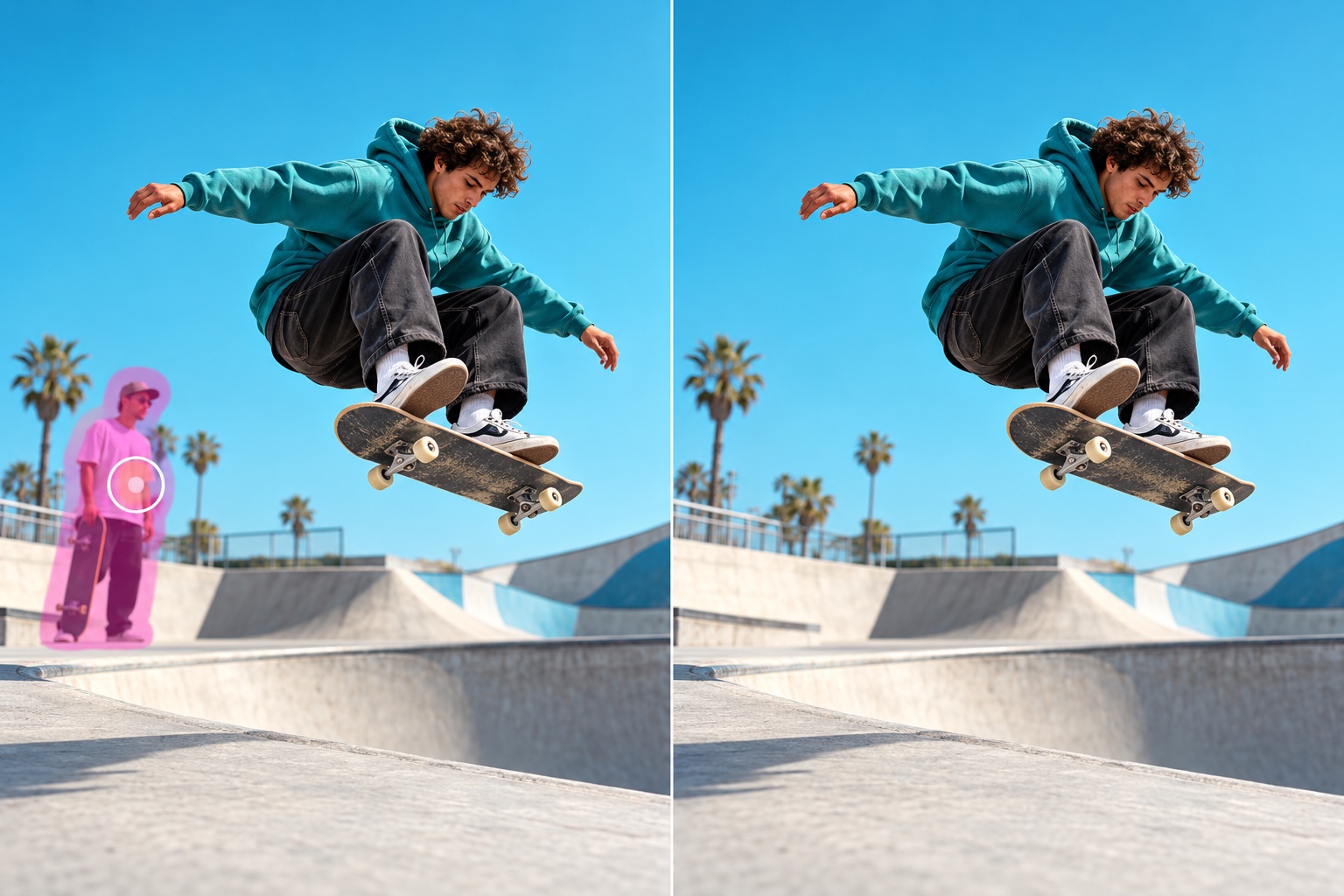
An optional way to remove larger distractions from a photo.
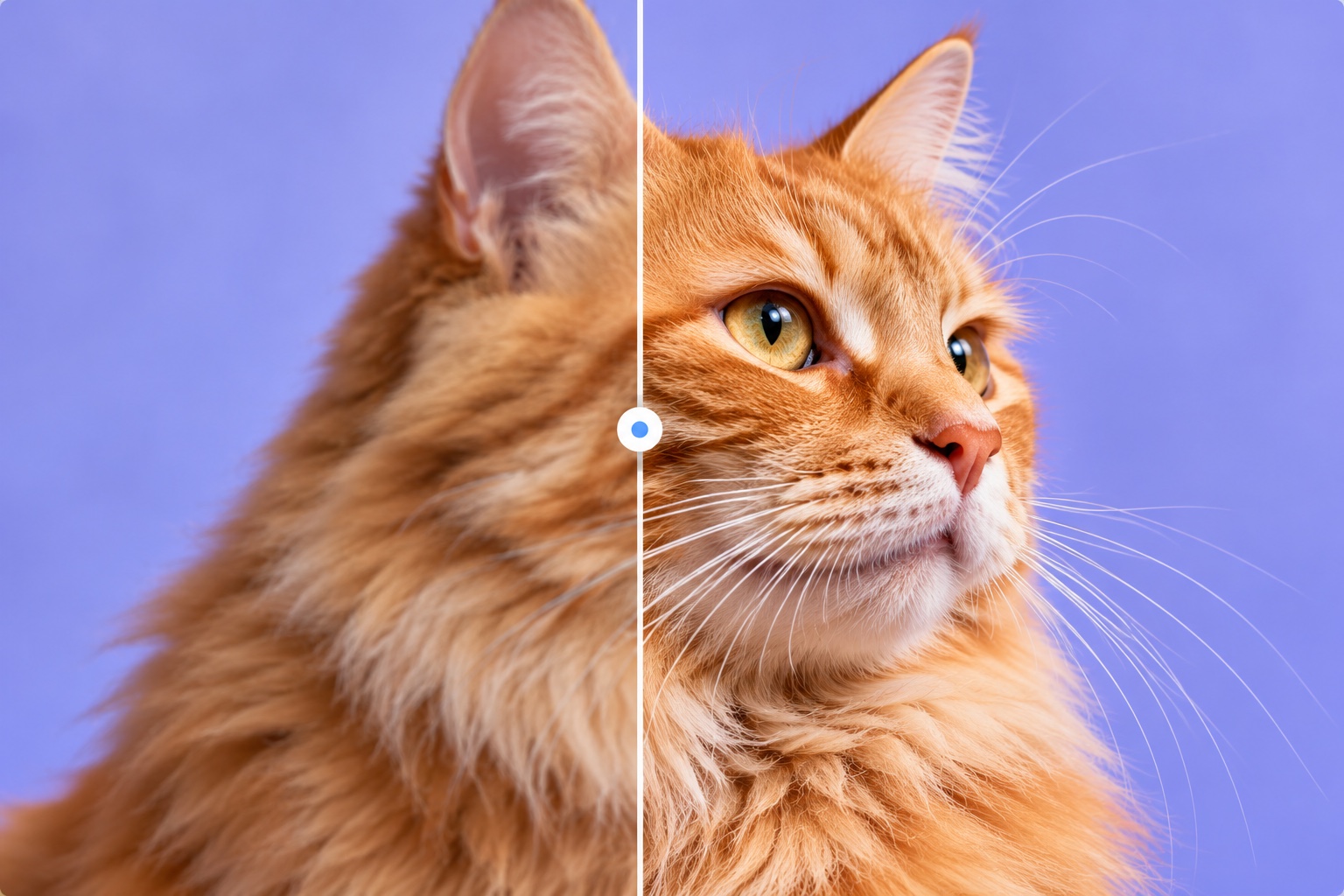
Explore higher-resolution output for images that need more detail.
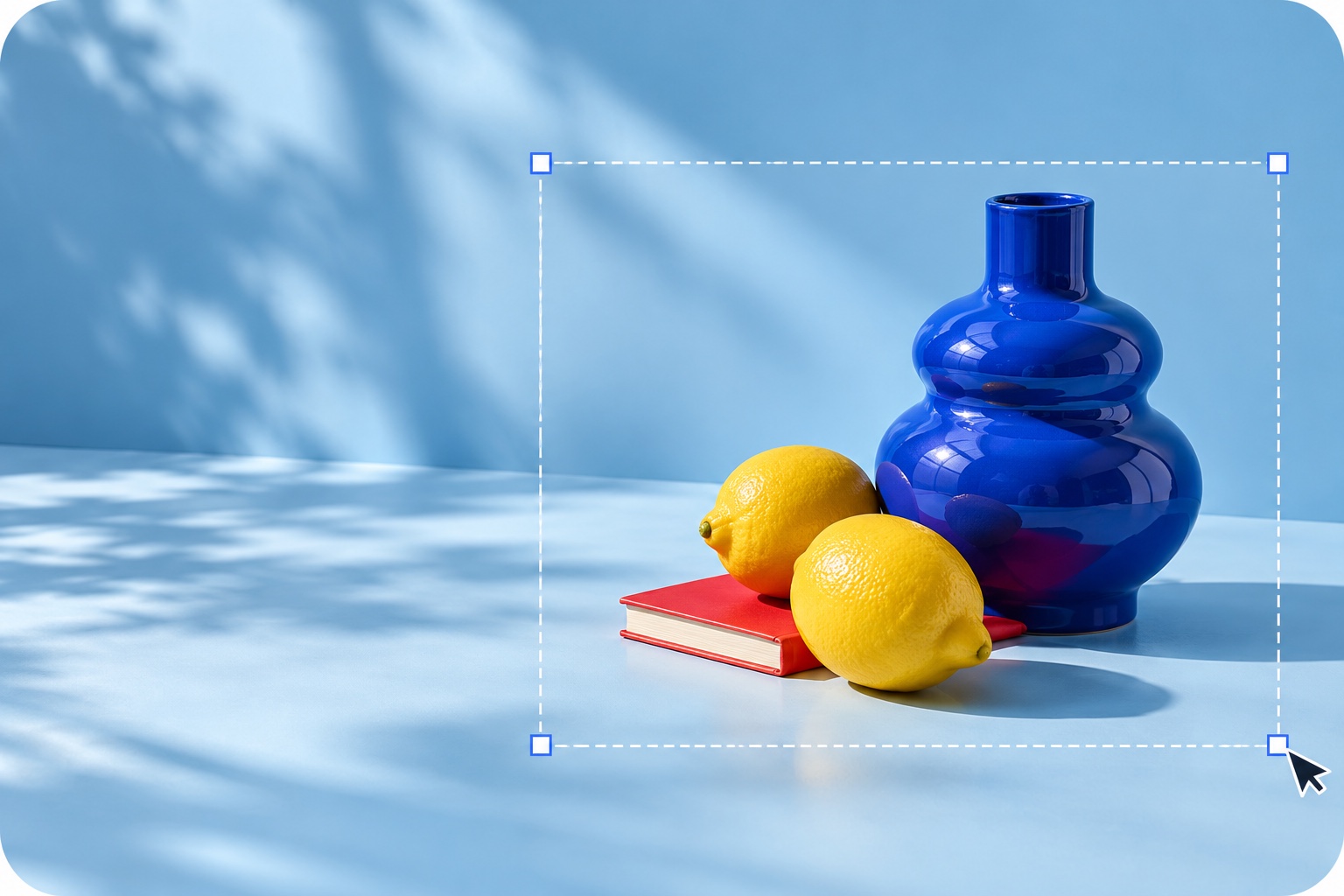
Potential tools for extending a scene beyond its original frame.
Good to know
Yes. The core EZCompos Mac app is free to download, with no subscription. Any future paid add-ons would be optional; the planned plugin center is not available yet.
Build layered compositions, transform and crop elements, make selections and masks, adjust color, and retouch images with tools such as spot healing and cloning.
No. EZCompos is an independent Mac image editor. “Photoshop alternative” describes the kind of creative work it is designed to support; EZCompos is not an Adobe product.
EZCompos is based on the open-source Compositor project under the MIT License. The release package retains the original license and copyright notice.
EZCompos checks for app updates using Sparkle, a signed and notarized update framework — that's the only network activity built into the app. There's no usage tracking or analytics.
Start creating
Download EZCompos for Mac and start building your next image, composition, or campaign graphic — no account, no subscription.
EZCompos is based on the MIT-licensed Compositor project. The original license and copyright notice are retained in the release package. EZCompos is an independent distribution and is not affiliated with Adobe. Want to see exactly how it works? The code is public — read it on GitHub.